
Event-Based Targeting: A Developer's Guide

Updated 08 Oct 2026
Modern mobile apps need more than feature flags and static configurations. They need campaign orchestration — the ability to show the right message to the right user at precisely the right moment. Amply's SDK evaluates targeting and triggering rules on-device against the configuration it has already fetched, so firing a campaign does not wait on a network round-trip.
This guide walks you through every targeting and triggering feature available in the Amply admin panel. By the end, you'll understand how to compose rules that select your audience (targeting), choose the perfect moment (triggering), and control frequency so campaigns feel helpful rather than intrusive.
Understanding Targeting: Selecting Your Audience
Targeting answers one question: who should see this campaign? Amply evaluates targeting rules before any triggering logic runs. If a user does not match the targeting criteria, the campaign is skipped entirely.
Device Property Targeting
The Who step exposes device properties the SDK collects automatically through the "Add rule" picker: Countries, OS Version, App Version, App Install Version, Applications, and Install Date. Combine them to build a precise device segment.
Target app version 1.x, excluding US and Poland
- WhoApp Version—
>= greater or equal1.0.0 - WhoApp Version—
< less than2.0.0 - WhoCountries—
exclude these countriesUnited States,Poland
Custom Property Targeting
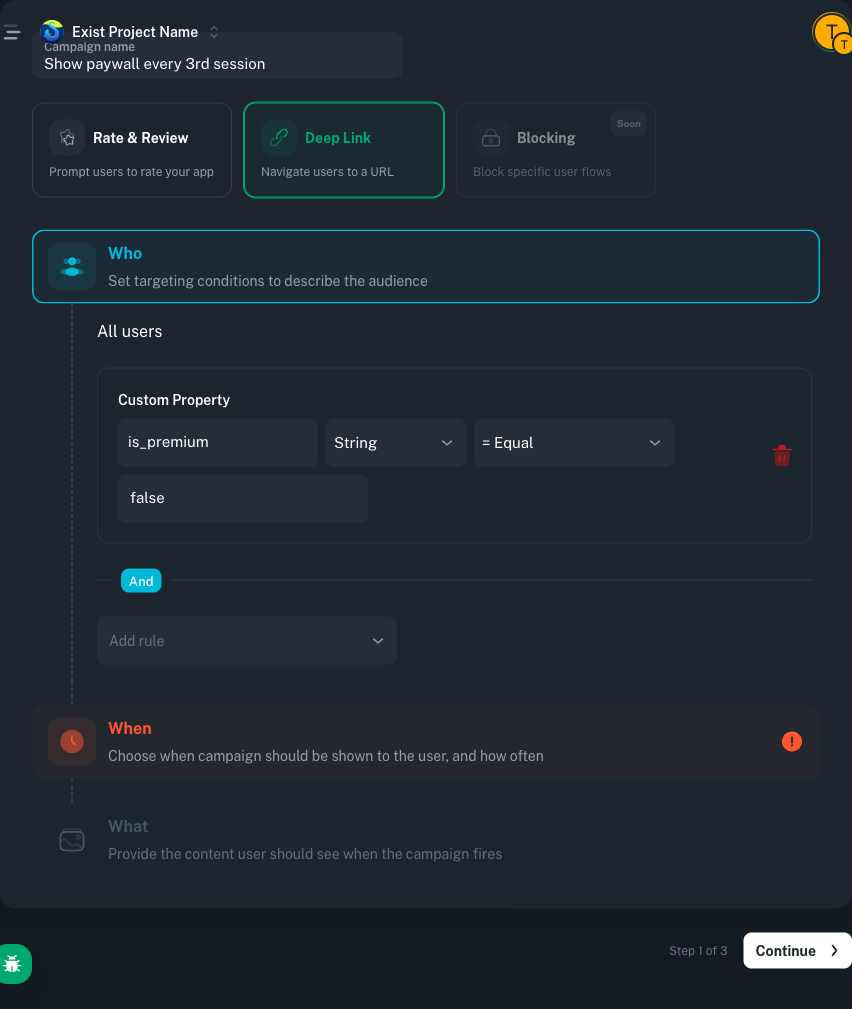
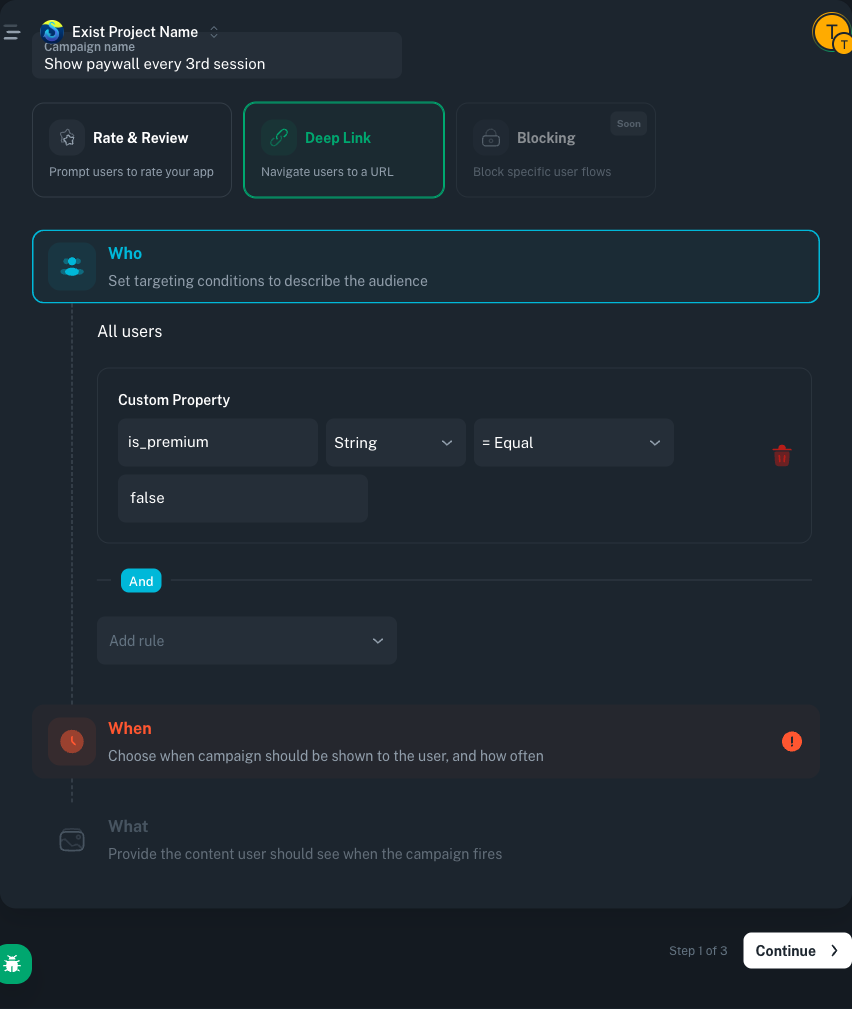
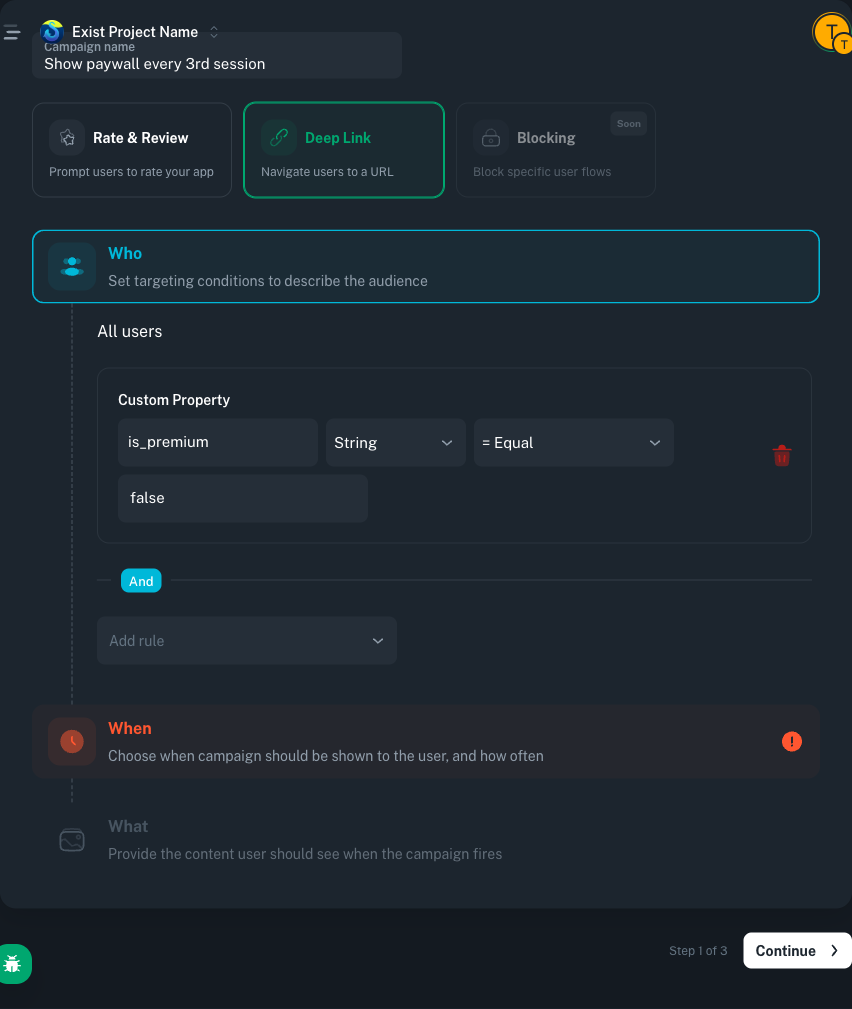
Custom properties let you target based on values your app sets explicitly. Push them from the SDK, then reference them in the Who step under Custom Property with a property key, a value type (String, Number, Boolean, or DateTime), and a compare operator. You can also check is set / is not set.
// Android (Kotlin). 'amply' is the Amply instance created in your Application class.
amply.setCustomProperties(mapOf(
    "is_premium" to false,
    "user_level" to 5,
    "preferred_language" to "en"
))
Target non-premium users above level 3
- WhoCustom Property—
is_premium(Boolean)= equalfalse - WhoCustom Property—
user_level(Number)> greater than3
SDK-Driven Targeting with Custom Properties
The admin panel does not offer a has-event targeting condition directly. Instead, track the counter in your own app state and push it to Amply as a custom property whenever it changes. The next campaign evaluation will see the updated value and target accordingly.
// Android (Kotlin). When the user completes a purchase, update the counter.
val newCount = currentPurchaseCount + 1

amply.setCustomProperties(mapOf(
    "purchase_count" to newCount
))
Target users with fewer than 3 purchases
- WhoCustom Property—
purchase_count(Number)< less than3
Understanding Triggering: Choosing the Right Moment
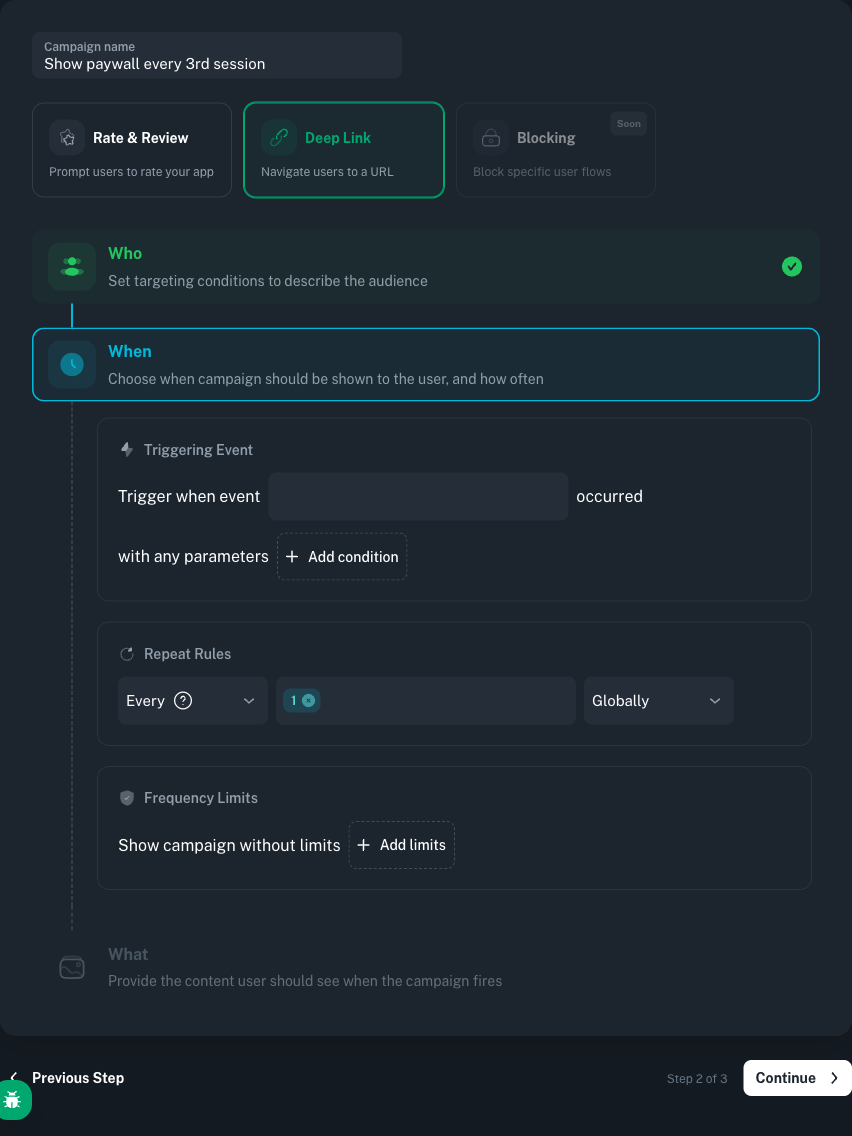
While targeting filters who sees a campaign, triggering controls when it fires. The When step in the admin panel has three sub-blocks: Triggering Event, Repeat Rules, and Frequency Limits.
Event Matching
The Triggering Event block asks you to pick an event name. Every time your app tracks a matching event, the campaign's trigger is evaluated.
Trigger on LevelComplete
- WhenTriggering Event— Trigger when event
LevelCompleteoccurred.
// Android (Kotlin). Fire a custom event with parameters.
amply.track("LevelComplete", mapOf(
    "level" to 5,
    "score" to 2400
))
Repetition Patterns
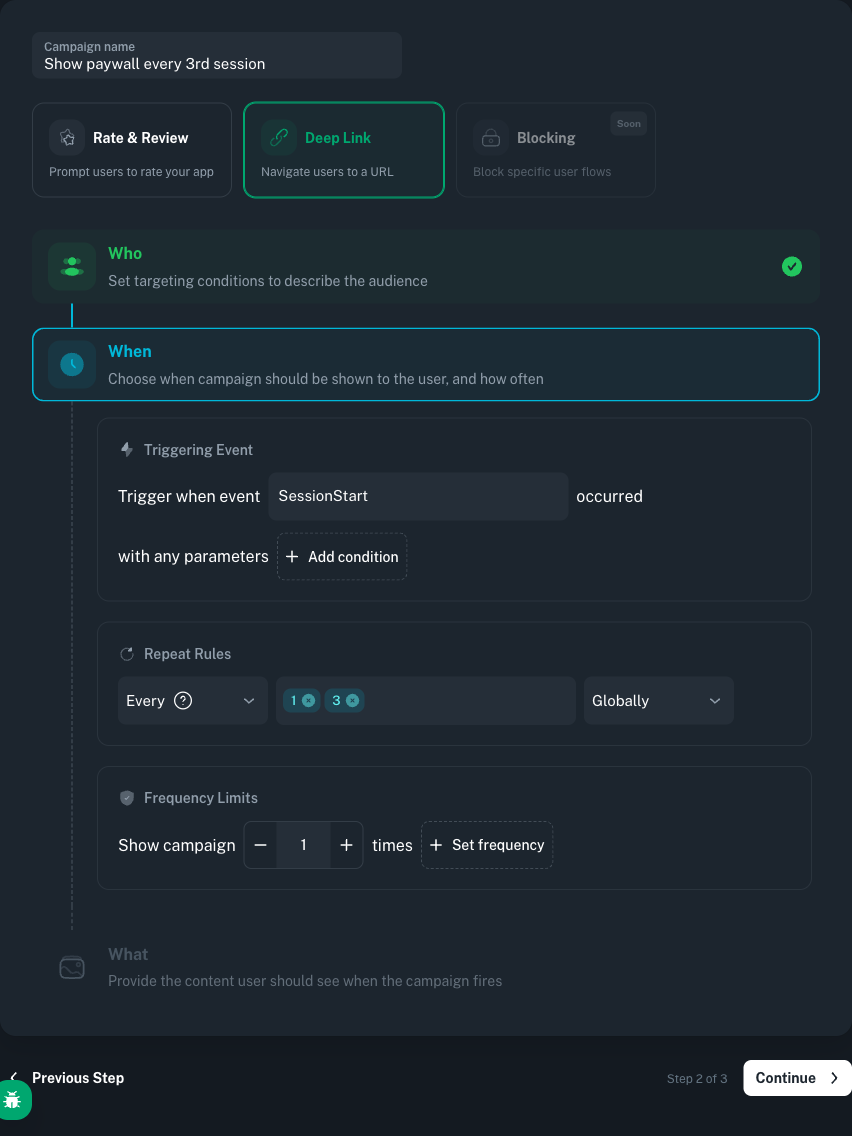
The Repeat Rules block combines three controls: a mode dropdown (on for specific occurrences, every for recurring), one or more numeric chips, and a scope selector (globally or in session).
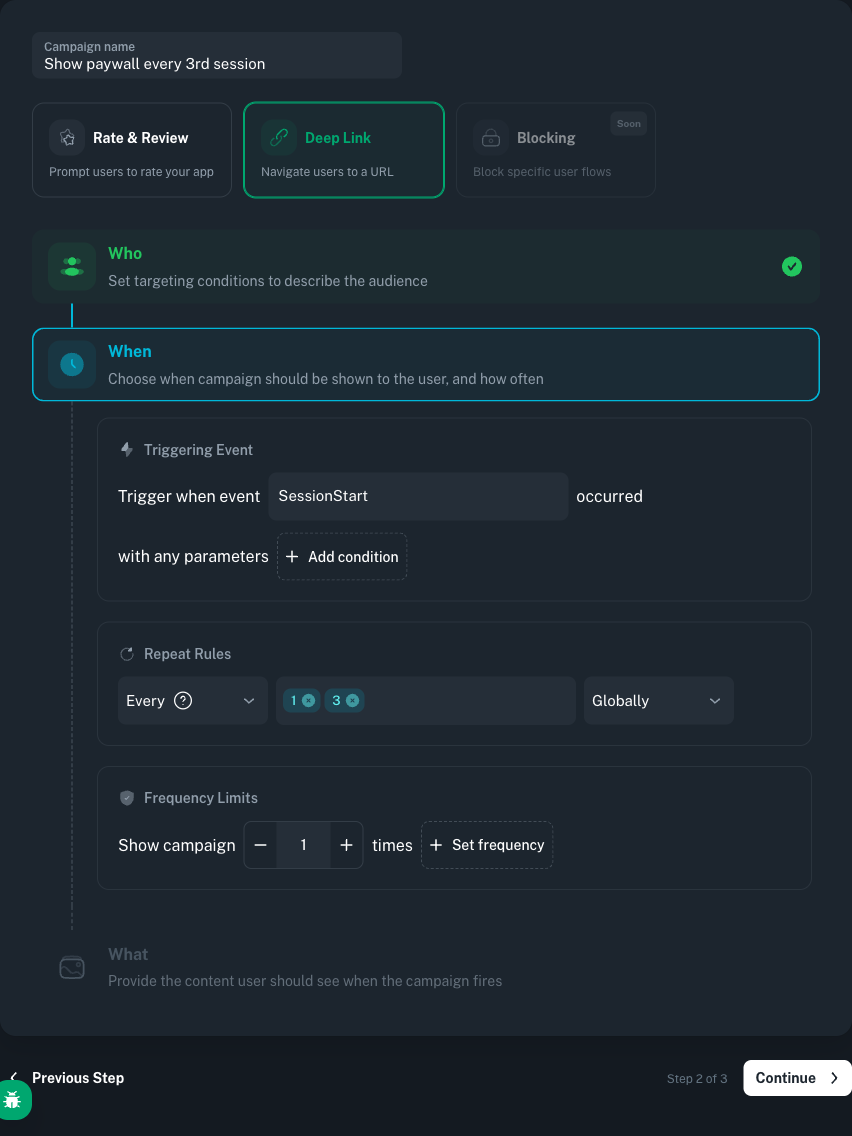
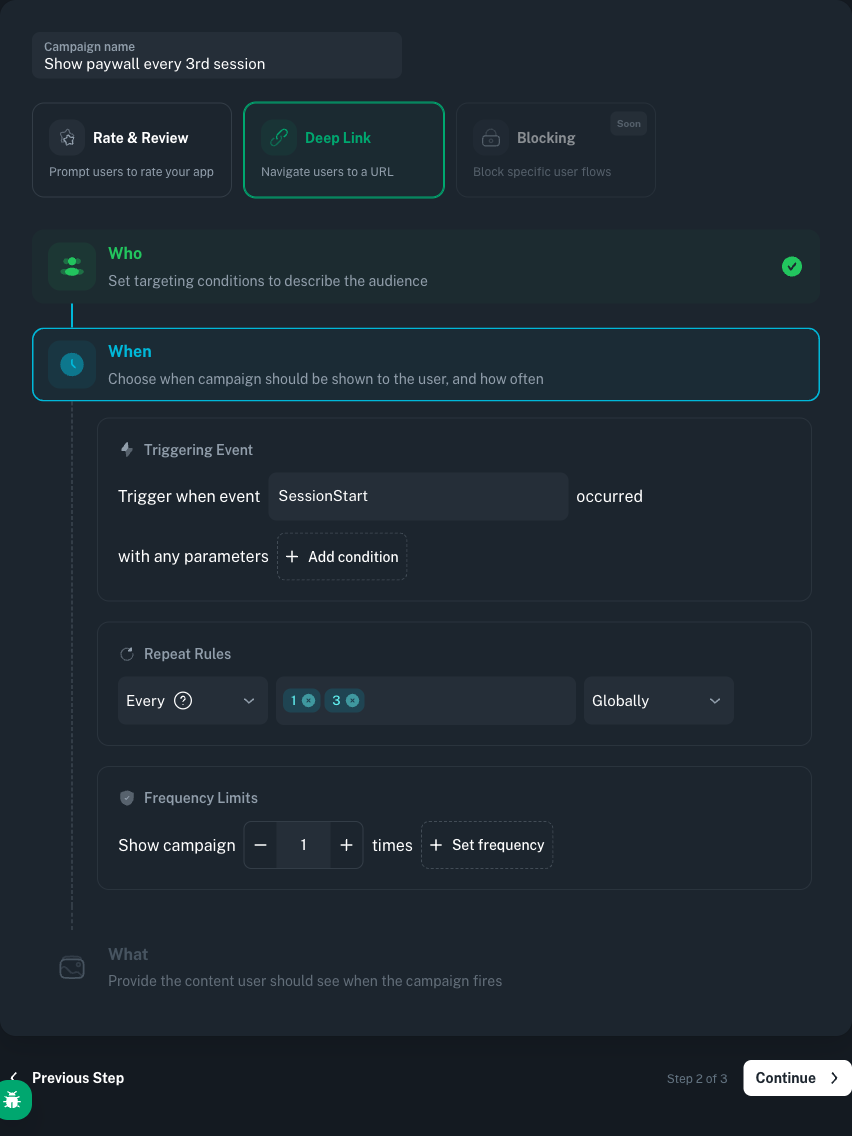
Fire on every 3rd session
- WhenTriggering Event— Trigger when event
SessionStartoccurred. - WhenRepeat Rules—
every3globally
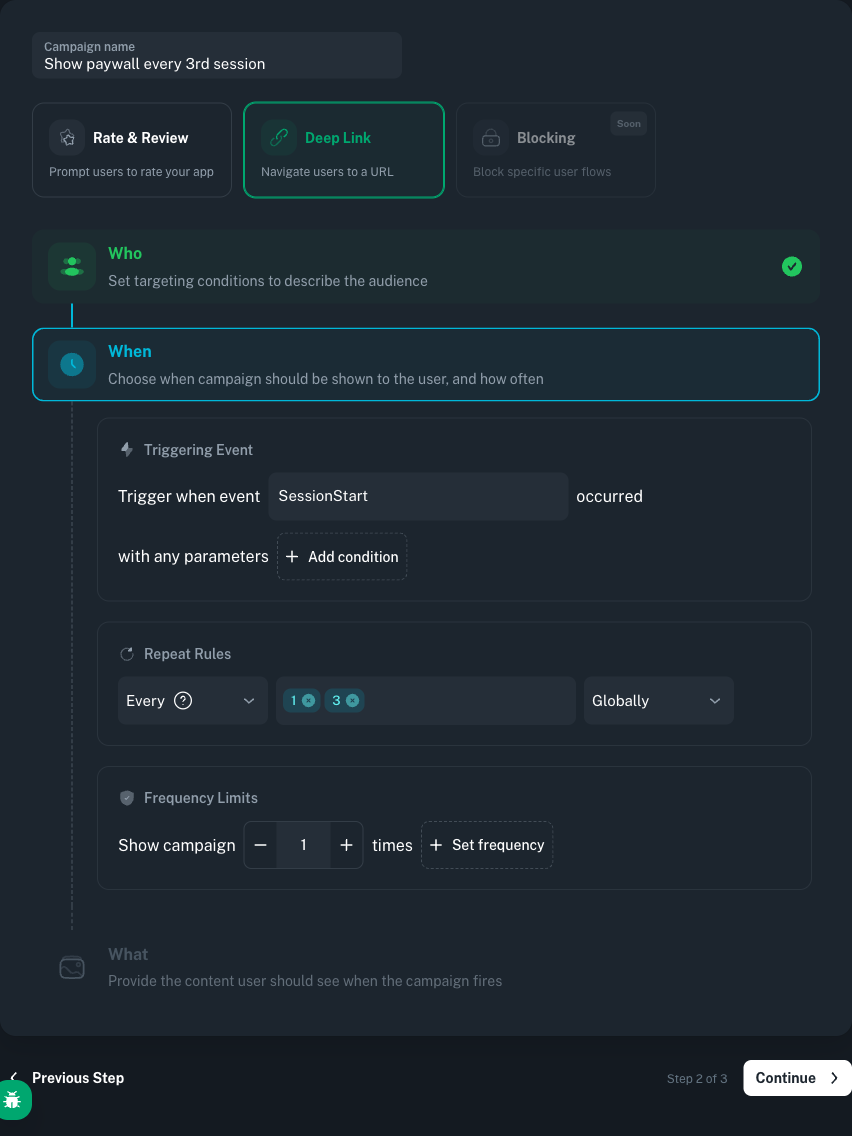
When building "every Nth session" campaigns, pickgloballyso the counter spans the user's lifetime.in sessionresets each session and is meant for repeated in-session events.
Use the on mode with multiple chip values to fire on specific occurrences:
Fire during sessions 3 through 7
- WhenTriggering Event— Trigger when event
SessionStartoccurred. - WhenRepeat Rules—
on3,4,5,6,7globally
Count Scope: Globally vs. In Session
globally(counter spans lifetime): lifetime total across all sessions. Use for "every Nth session" or "after N total purchases."in session(counter resets each session): counter is scoped to the current session. Use for "every 5th item viewed this session."
Controlling Frequency: Limits and Intervals
Impression Limits
The Frequency Limits block caps how many times a campaign can appear. You can set a lifetime total, a minimum interval between impressions, and per-session caps (for example, once per session).
Cap at 3 lifetime impressions
- WhenFrequency Limits— Show campaign
3times (total).
Time Intervals Between Impressions
Pair the lifetime cap with a minimum time interval between impressions so a returning user does not see the campaign back-to-back.
Minimum 24 hours between impressions
- WhenFrequency Limits— Time interval between impressions at least
24hours.
Actions: What Happens When a Campaign Fires
DeepLink
In the What step, pick the Deeplink action and enter a URL. When the campaign fires, the SDK calls your deeplink handler with that URL so your app can route to the appropriate screen.
Deeplink action
- WhatDeeplink—
happens://feature/promo
// Android (Kotlin). Handle deeplinks delivered by a fired campaign.
import tools.amply.sdk.actions.DeepLinkListener

amply.registerDeepLinkListener(object : DeepLinkListener {
    override fun onDeepLink(url: String, info: Map<String, Any>): Boolean {
        return when {
            url.contains("/promo/") -> { navigateToPromoScreen(url); true }
            url.contains("/feature/") -> { navigateToFeature(url); true }
            else -> { openInBrowser(url); true }
        }
    }
})
RateReview
Pick the RateReview action in the What step (no additional configuration). The SDK invokes the platform's native in-app review dialog from the App Store or Google Play automatically.
Putting It All Together: A Complete Example
Let's build a real-world campaign: a promotional deeplink shown to non-premium users on every 3rd session, only on app version 1.x, with a max of 5 lifetime impressions.
// Android (Kotlin). Initialize once, typically from your Application class.
import tools.amply.sdk.Amply
import tools.amply.sdk.actions.DeepLinkListener
import tools.amply.sdk.config.AmplyConfig

val config = AmplyConfig(
    appId = "your.app.id",
    apiKeyPublic = "YOUR_PUBLIC_API_KEY",
)
val amply = Amply(config = config, application = this)

// Set custom properties
amply.setCustomProperties(mapOf(
    "is_premium" to false,
    "user_level" to 12
))

// Track events with parameters
amply.track("Purchase", mapOf(
    "amount" to 99.99,
    "currency" to "USD",
    "item" to "premium_monthly"
))

// Handle deeplinks from campaigns
amply.registerDeepLinkListener(object : DeepLinkListener {
    override fun onDeepLink(url: String, info: Map<String, Any>): Boolean {
        return handleDeeplink(url)
    }
})
That is the full client-side contract for this campaign: one initialization, one set of custom properties that describe the user, one track call per relevant event, and one deeplink listener that routes whatever URL Amply sends back. Everything else lives in the admin panel — the campaign below targets this SDK setup without any further code changes.
Complete campaign: promotional deeplink on every 3rd session
- WhoCustom Property—
is_premium(Boolean)= equalfalse - WhoApp Version—
>= greater or equal1.0.0 - WhoApp Version—
< less than2.0.0 - WhoCountries—
exclude these countriesUnited States,Poland - WhenTriggering Event— Trigger when event
SessionStartoccurred. - WhenRepeat Rules—
every3globally - WhenFrequency Limits— Show campaign
5times (lifetime). - WhatDeeplink—
happens://feature/promo
Best Practices
- Start with targeting, then add triggering. Get your audience segment right first.
- Use the
globallyscope for session-based patterns. Thein sessionscope resets each session, so it will not work for "every Nth session" rules. - Always set impression limits. Even well-targeted campaigns become annoying without a cap.
- Add time intervals for sensitive actions. Rate review prompts should have at least 24 hours between impressions.
- Combine event parameters for precision. Filter by currency, item type, or amount to reach the right behavioral segment.
- Test with debug logging. The Amply SDK logs detailed campaign evaluation traces at the
DEBUGlevel.
Conclusion
Amply's event-based targeting and triggering system gives you a complete toolkit for in-app campaign orchestration. Device properties, custom attributes, and SDK-maintained counters let you define precise audience segments. Event matching, repetition patterns, and count scopes let you pick the perfect moment. Impression limits and time intervals keep the experience respectful.
Rules evaluate on-device against the configuration the SDK has already fetched, so firing a campaign does not wait on a round-trip. Start simple with a single targeting rule and one trigger. Layer on frequency controls as you learn what resonates. Your users will thank you for campaigns that feel timely and relevant rather than random and repetitive.